Commercial site usability: UX, CX, SEO, and conversion checklist
How to check website usability: navigation, structure, forms, mobile UX, accessibility, speed, trust, chat, and analytics.

Usability audit map
Usability connects navigation, content clarity, forms, accessibility, speed, and trust signals.
Usability is not about whether the site is pretty. For a commercial site, it means the user can quickly understand the offer, find the right information, trust the company, and take the next step without friction.
Quick answer
Check usability as a path: find → understand → compare → trust → ask → convert. If one stage breaks, traffic does not become revenue.
Checklist
| Area | What to check |
|---|---|
| Header | clear menu, services, contacts, CTA |
| Hero | who you are, what you do, for whom, next step |
| Content | H2s, tables, proof, FAQ, internal links |
| Forms | minimum fields, errors, mobile keyboard |
| Accessibility | contrast, focus, target size, alt text |
| Speed | LCP, INP, CLS, heavy fonts/scripts |
| Trust | cases, reviews, team, process |
| CX | chat, follow-up, answers to questions |
Competitor gaps
Many websites lose not because of design but because the path is unclear: articles do not lead to services, service pages do not explain the process, forms create anxiety, and chat is missing. This can be fixed faster than rebuilding the whole site.
Where to start: check pages with UNmiss, add sem.chat for 24/7 questions, and use SEOquick UX/CX work to prioritize implementation.
Read next
Sources

Technical SEO for older sites in Ukraine: modernization plan for 2026
How to update an outdated site without losing indexation: audit, mobile, speed, HTTPS, structure, canonicals, hreflang, schema, and conversion.
Read →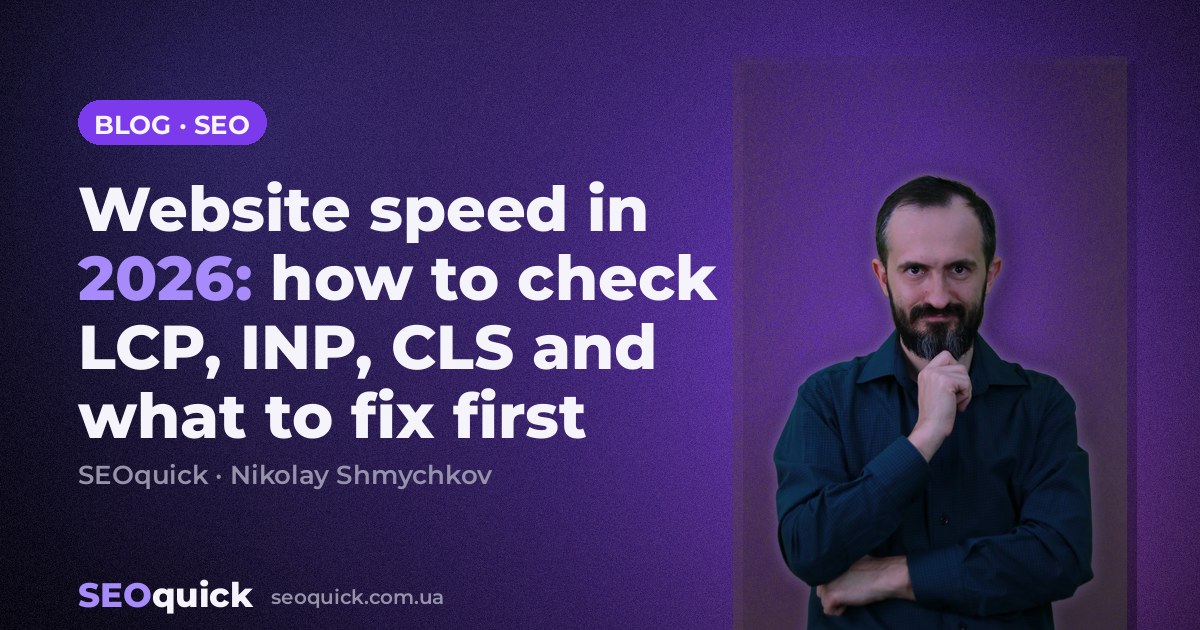
Website speed in 2026: how to check LCP, INP, CLS and what to fix first
Why site speed affects SEO, UX, and conversion: Core Web Vitals, PageSpeed Insights, Search Console, technical causes, and optimization plan.
Read →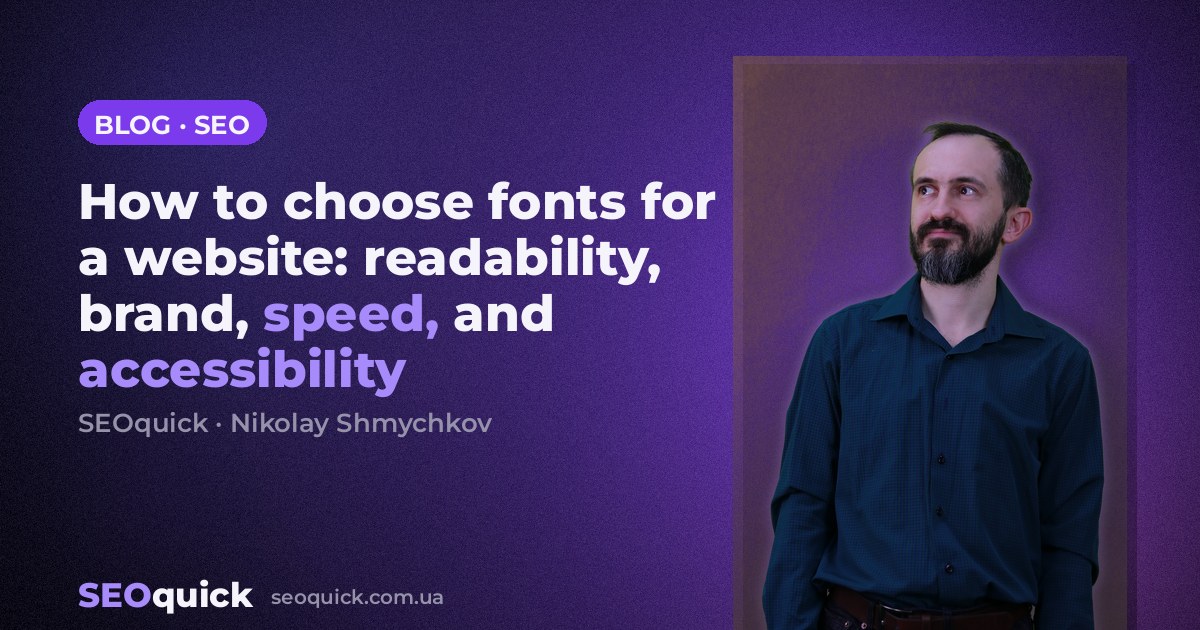
How to choose fonts for a website: readability, brand, speed, and accessibility
A practical font choice guide: readability, font pairing, Core Web Vitals, CLS, contrast, Cyrillic support, mobile UX, and performance.
Read →Want to apply this to your site?
We will review the current situation, find the first growth levers, and suggest a practical working format.
