GA4 for SEO and marketing: 8 settings that save time
How to configure Google Analytics 4 to see not only traffic, but also leads, questions, content gaps, and pages with growth potential.

GA4 setup that supports decisions
Reports are useful only when events, audiences, and pages are connected to business questions.
GA4 is useful not because it has many reports, but because it answers better questions. If you do not know which events matter to the business, analytics becomes a wall of charts.
8 useful settings
- Separate key events from ordinary engagement.
- Create events for forms, contact clicks, chat, and leads.
- Split organic traffic by language and page type.
- Review landing pages with traffic and few actions.
- Link GA4 with Search Console and Google Ads when relevant.
- Build audiences for returning users.
- Add sem.chat events: question, lead, call.
- Compare articles, services, and tools separately.
What should count as important
| Event | Importance |
|---|---|
| Scroll | weak signal |
| CTA click | medium signal |
| Chat question | strong intent signal |
| Lead form | key event |
| Purchase or contract | business result |
Competitor mistake
A common problem is calling every event a “conversion”. Then the team optimizes campaigns and SEO for scroll or page_view instead of real leads.
Practical stack: connect GA4 + GTM + Search Console + sem.chat into one map. Then check technical page weaknesses with UNmiss.
Sources
Content Refresh in 2026: How to Revive Old Posts and Win Traffic Back
Updating old articles is more profitable than writing new ones. How to pick pages in Search Console, rewrite the content and win traffic back — the SEOquick method with data and quotes.
Read →
Stop blogging for the sake of blogging: launch AI tools that earn SEO traffic and leads
Why endless articles no longer work the same way and how to create AI tools, calculators, and interactive pages for SEO, GEO, and conversion.
Read →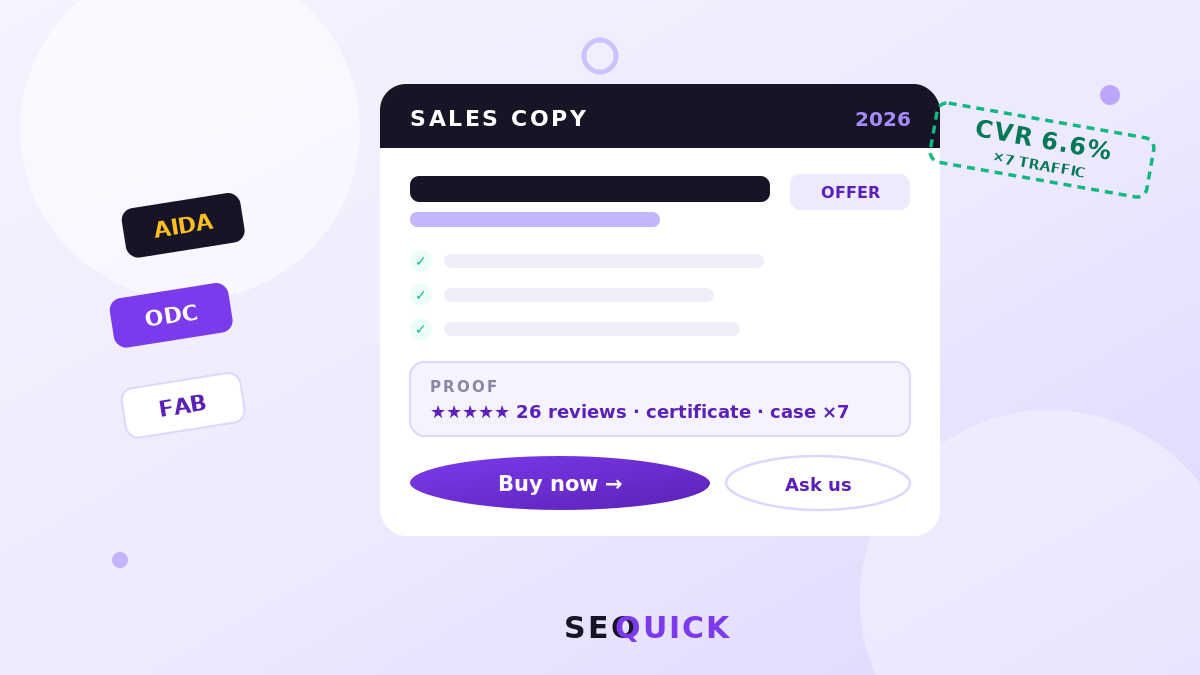
How to Write Sales Copy: Structure, 8 Formulas, Ready-Made Templates and Examples
Sales copy without fluff: the structure of a page that sells, 8 formulas (AIDA, ODC, PMHS…), a real first-screen breakdown, ready-made templates and prompts, SEO logic and metrics. SEOquick’s experience: a ×7 traffic case built on commercial pages.
Read →Want to apply this to your site?
We will review the current situation, find the first growth levers, and suggest a practical working format.
